IPTV Smarters Pro: Complete Setup Guide + Best Service 2026
Everything you need to set up IPTV Smarters Pro on Firestick, Android, and Smart TV — including how to fix the most common errors and how to pick the best service to run inside it.
What is IPTV Smarters Pro?
IPTV Smarters Pro is a free IPTV player application developed by WHMCS SMARTERS. It is available on Android, iOS, Amazon Firestick, and Smart TVs running Android OS. The app itself contains no channels — it is a player that connects to an IPTV service using either an M3U playlist URL or Xtream Codes API credentials.
As of 2026, IPTV Smarters Pro is one of the most widely used IPTV clients globally due to its clean interface, reliable performance, VOD (Video on Demand) support, and Electronic Program Guide (EPG) integration. It supports 4K streams, series catch-up, and parental controls.
To use IPTV Smarters Pro, you need a subscription from an IPTV provider that is compatible with its Xtream Codes protocol. iptvfirestickpro.com is built specifically to be 100% compatible with IPTV Smarters Pro.
Free
App Price
Android, iOS, Firestick
Platforms
Xtream Codes + M3U
Protocol
Full EPG
EPG Support
How to Set Up IPTV Smarters Pro on Firestick (Step-by-Step)
Follow these exact steps to get IPTV Smarters Pro working on your Amazon Firestick in under 5 minutes.
Download IPTV Smarters Pro
On your Firestick, go to the Home screen. Click the Search icon and type "IPTV Smarters Pro". Select the app from results and click "Download" or "Get".
If the app does not appear, go to Settings > My Fire TV > Developer Options > "Apps from Unknown Sources" and use the Downloader app with the APK link.
Open the App and Select Login Method
Launch IPTV Smarters Pro. You will see two options: "Login With Xtream Codes API" and "Load Your Playlist or File/URL". For the best experience with full EPG, choose "Login With Xtream Codes API".
Xtream Codes gives you a complete Electronic Program Guide (EPG), VOD library access, and faster channel switching compared to M3U playlists.
Enter Your Credentials
Fill in the following fields exactly as provided by your IPTV service: Your Name (any label), Server URL, Username, and Password. Then tap "Add User".
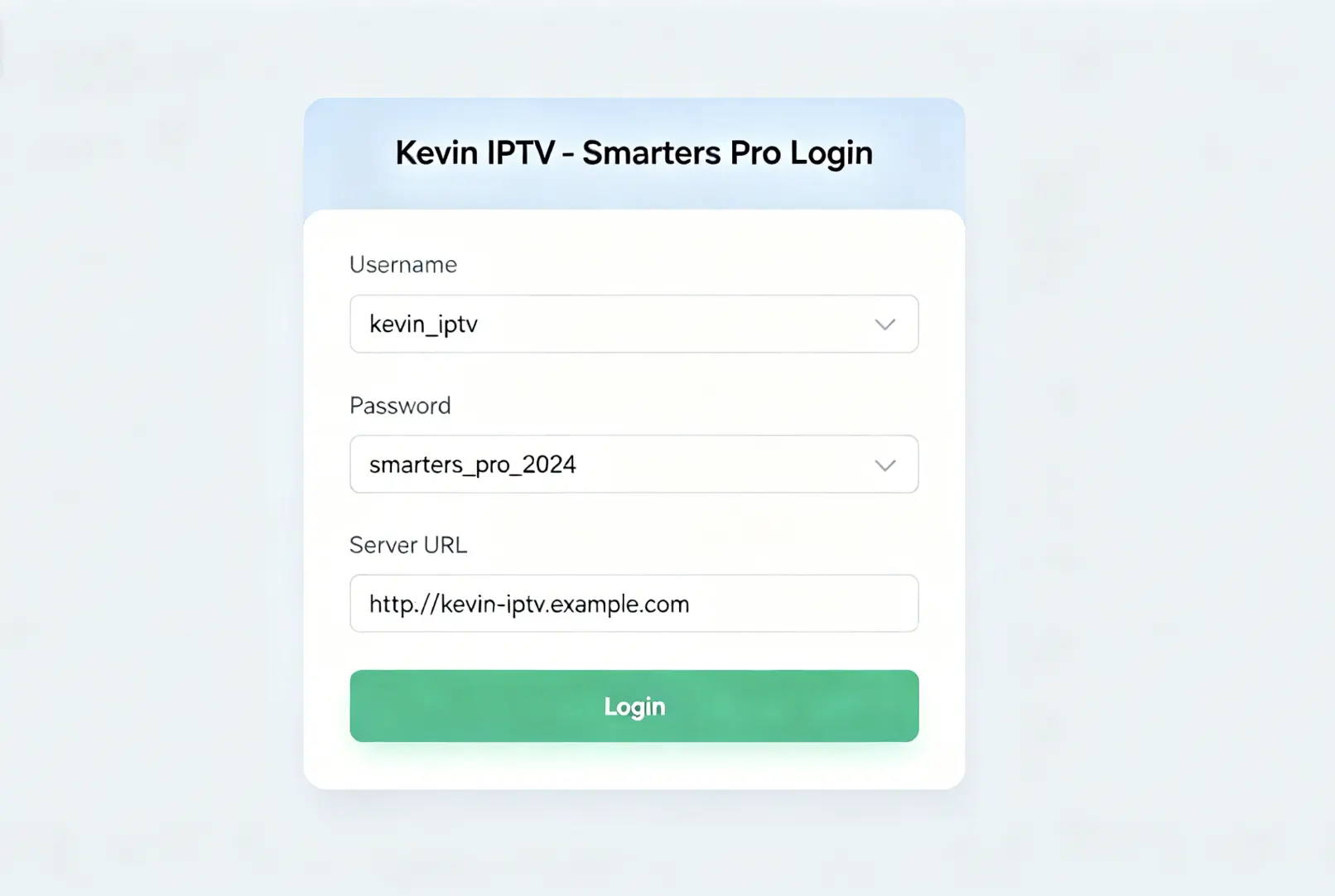
How to enter Xtream Codes API in IPTV Smarters Pro on Firestick
The Server URL format is typically: http://server.domain.com:PORT — copy and paste it exactly. One wrong character causes an "Authorization Failed" error.
Wait for Channels to Load
IPTV Smarters Pro will now download your channel list, VOD content, and EPG guide. This can take 30 seconds to 3 minutes depending on your internet speed and the number of channels.
Do not close the app during loading. If it times out, check your internet connection speed — you need at least 10 Mbps for stable operation.
Start Streaming
You will see a dashboard with Live TV, Movies, Series, and Catch-Up sections. Navigate to "Live TV", select a category, and click any channel to start streaming.
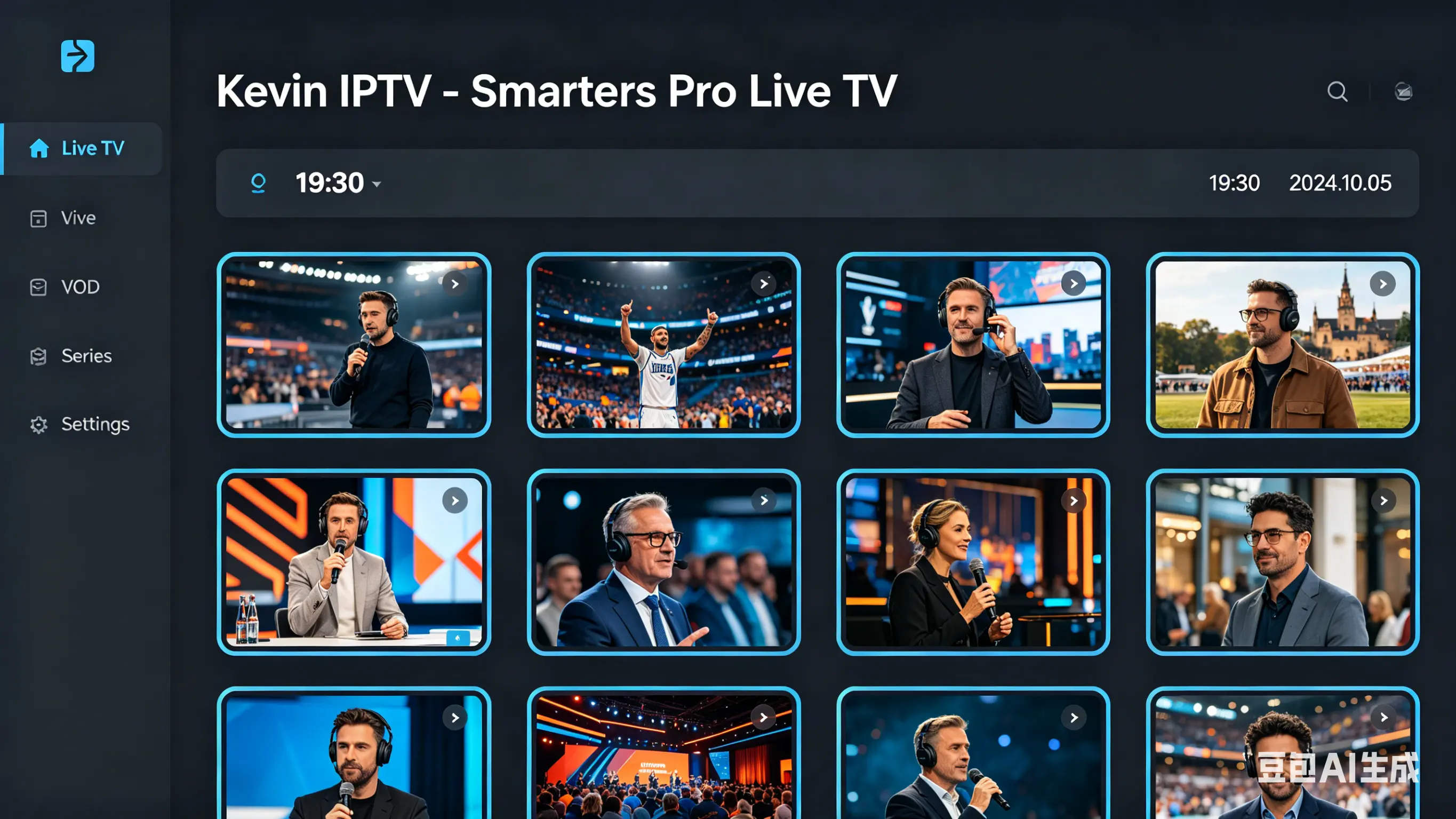
IPTV Smarters Pro dashboard showing Live TV channels on Firestick
Ready to get your credentials?
Order a plan and receive your Xtream Codes API details within minutes.
Get My Credentials NowFix Common IPTV Smarters Pro Errors
These are the most reported problems with IPTV Smarters Pro and how to solve them permanently.
"Authorization Failed" Error
Common Causes
- Incorrect username or password
- Subscription expired
- Wrong Server URL
- Account connected on too many devices
Fix:
Copy-paste your credentials directly from the confirmation message. Do not type them manually. If the issue persists, contact support on WhatsApp for instant credential reset.
Constant Buffering / Freezing
Common Causes
- Internet speed below 10 Mbps
- Wi-Fi signal too weak
- VPN slowing connection
- Overcrowded server from low-quality provider
Fix:
Run a speed test (fast.com). Switch to a wired Ethernet connection if possible. Disable VPN. If buffering continues, the issue is with your provider's server capacity — our servers handle this with load balancing.
EPG / Program Guide Not Loading
Common Causes
- EPG URL not configured
- Provider does not include EPG
- App cache needs clearing
Fix:
Go to Settings in IPTV Smarters Pro and manually enter the EPG URL provided by your service. For iptvfirestickpro.com users, the EPG URL is included with your credentials.
Channels Not Updating / Missing Channels
Common Causes
- Playlist cache not refreshed
- Provider removed channels
Fix:
Long-press a channel group and select "Refresh". If channels are still missing, contact your provider. Our channel list is updated daily.
Why Our Service Works Best with IPTV Smarters Pro
Not all IPTV services are equal when used inside Smarters Pro. Here is an honest comparison.
| Feature | iptvfirestickpro.com | Other Providers |
|---|---|---|
| Compatible App | IPTV Smarters Pro ✓ | Varies |
| Xtream Codes API | Yes | Not Always |
| EPG / TV Guide | Full EPG Included | Extra Cost or None |
| Channel Count | 10,000+ | 3,000–8,000 |
| 4K Channels | Yes | Limited |
| Anti-Buffering | Multi-CDN Servers | Single Server |
| 24h Free Trial | Yes | Rare |
| 12-Month Price | $59 | $80–$120 |
Get the Best Playlist for IPTV Smarters Pro
Choose a plan below. After confirmation, you receive your Xtream Codes API credentials — compatible with IPTV Smarters Pro, TiviMate, and all major players.
Or try 24 hours free before you commit.
IPTV Smarters Pro — Frequently Asked Questions
What is IPTV Smarters Pro?
IPTV Smarters Pro is a free IPTV player application available on Android, iOS, Firestick, and Smart TVs. It allows users to stream live TV channels using an M3U playlist URL or Xtream Codes API credentials provided by their IPTV service provider.
How do I set up IPTV Smarters Pro on Firestick?
Download IPTV Smarters Pro from the Amazon App Store on your Firestick. Open the app, select "Login With Xtream Codes API" or "Add Playlist" and enter the credentials or M3U URL provided by your IPTV service. Your channels will load automatically.
Why does IPTV Smarters Pro say "Authorization Failed"?
Authorization Failed in IPTV Smarters Pro means the server URL, username, or password you entered is incorrect, or your subscription has expired. Double-check your credentials with your provider. If you are using iptvfirestickpro.com, contact support via WhatsApp for instant resolution.
Is IPTV Smarters Pro free?
Yes, IPTV Smarters Pro is a free app. However, it requires a paid IPTV subscription to access channels. The app itself costs nothing — your subscription fee goes to your IPTV service provider.
What is the difference between M3U and Xtream Codes in Smarters Pro?
M3U is a playlist file format. Xtream Codes API provides a server URL, username, and password for a more stable and feature-rich connection including EPG (Electronic Program Guide). Both work with IPTV Smarters Pro. Xtream Codes is recommended for the best experience.
How many devices can I use with one IPTV Smarters Pro subscription?
A standard subscription from iptvfirestickpro.com covers 1 device. You can add extra devices for $30 each. This allows you to stream on multiple screens simultaneously — for example, one Firestick in the living room and one on a Smart TV in the bedroom.
Why is IPTV Smarters Pro buffering?
Buffering in IPTV Smarters Pro is usually caused by an unstable internet connection (minimum 25 Mbps recommended for 4K), server overload from a low-quality provider, or VPN interference. iptvfirestickpro.com uses high-capacity servers to eliminate buffering even during peak hours.
Does IPTV Smarters Pro work on Apple TV or iPhone?
IPTV Smarters Pro is available on iOS (iPhone and iPad) but is not officially available on Apple TV. For Apple TV, alternative apps like GSE Smart IPTV or Flex IPTV work with the same M3U or Xtream Codes credentials.
Can I use IPTV Smarters Pro without a VPN?
Yes, IPTV Smarters Pro works without a VPN. In fact, using a VPN can sometimes reduce stream quality or cause connection issues. A VPN is only recommended if your ISP specifically throttles IPTV traffic.
What internet speed do I need for IPTV Smarters Pro?
For standard HD quality, you need at least 10 Mbps. For FHD (1080p), 20 Mbps is recommended. For 4K Ultra HD streams, aim for 25 Mbps or higher. A wired Ethernet connection always outperforms Wi-Fi for IPTV streaming.