How to Set Up IPTV on Firestick (2026 Guide)
This guide covers the complete setup of IPTV Smarters Pro on any Amazon Firestick model — from the original HD to the 4K Max. The process takes under 5 minutes.
You will need: An Amazon Firestick (any model), internet connection (minimum 10 Mbps recommended), and your IPTV credentials from iptvfirestickpro.com.
Enable Developer Options
From the Firestick home screen, navigate to Settings (gear icon at the top) > My Fire TV > Developer Options. Toggle "Apps from Unknown Sources" to ON.
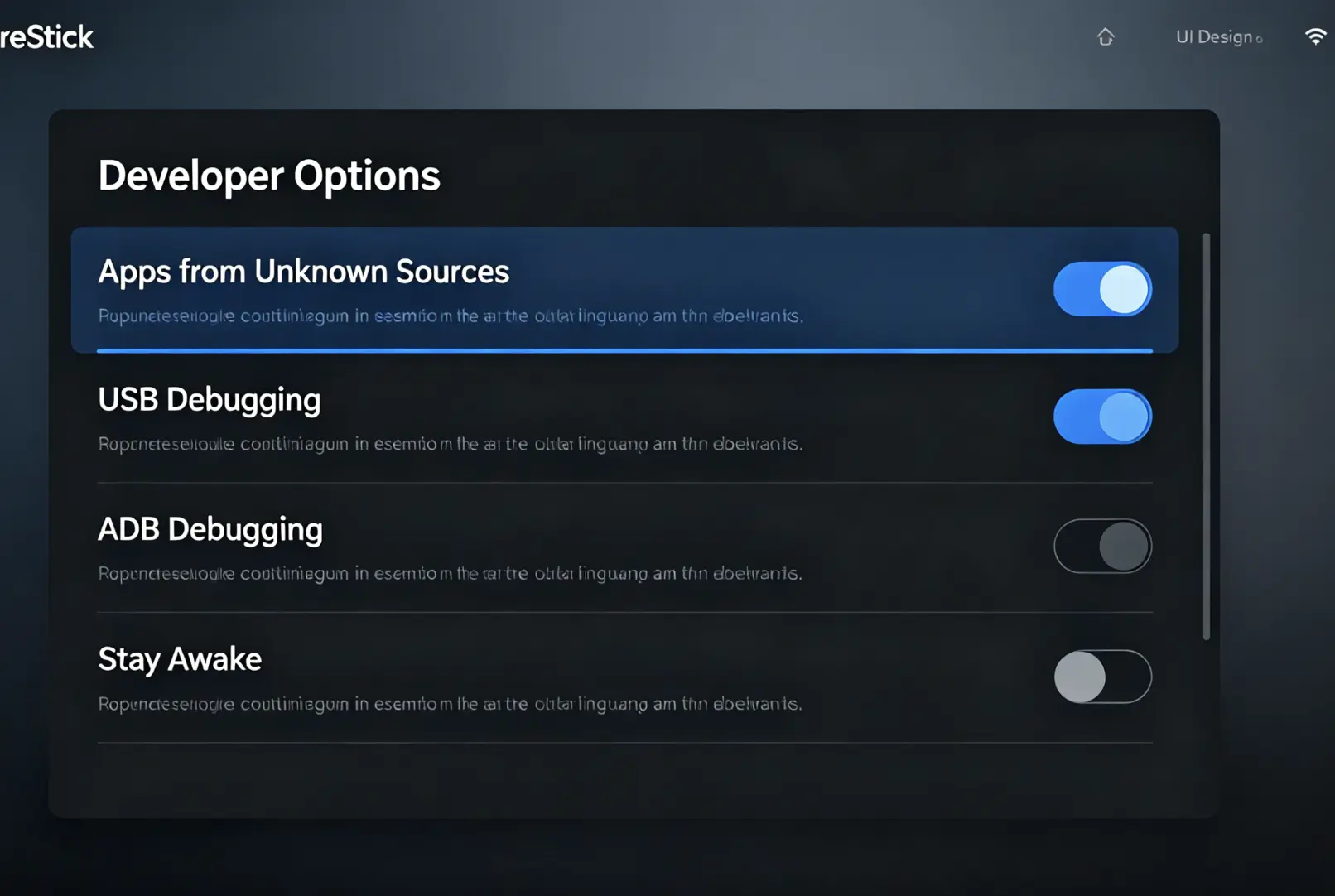
Enabling Apps from Unknown Sources on Amazon Firestick developer options menu
On newer Firestick models, the path is Settings > My Fire TV > Install Unknown Apps. You may also need to enable "ADB Debugging" if using sideloading.
Download IPTV Smarters Pro
Press the Home button and use the search icon (magnifying glass). Type "IPTV Smarters Pro" and select it from the results. Click "Download" or "Get" — it is completely free.
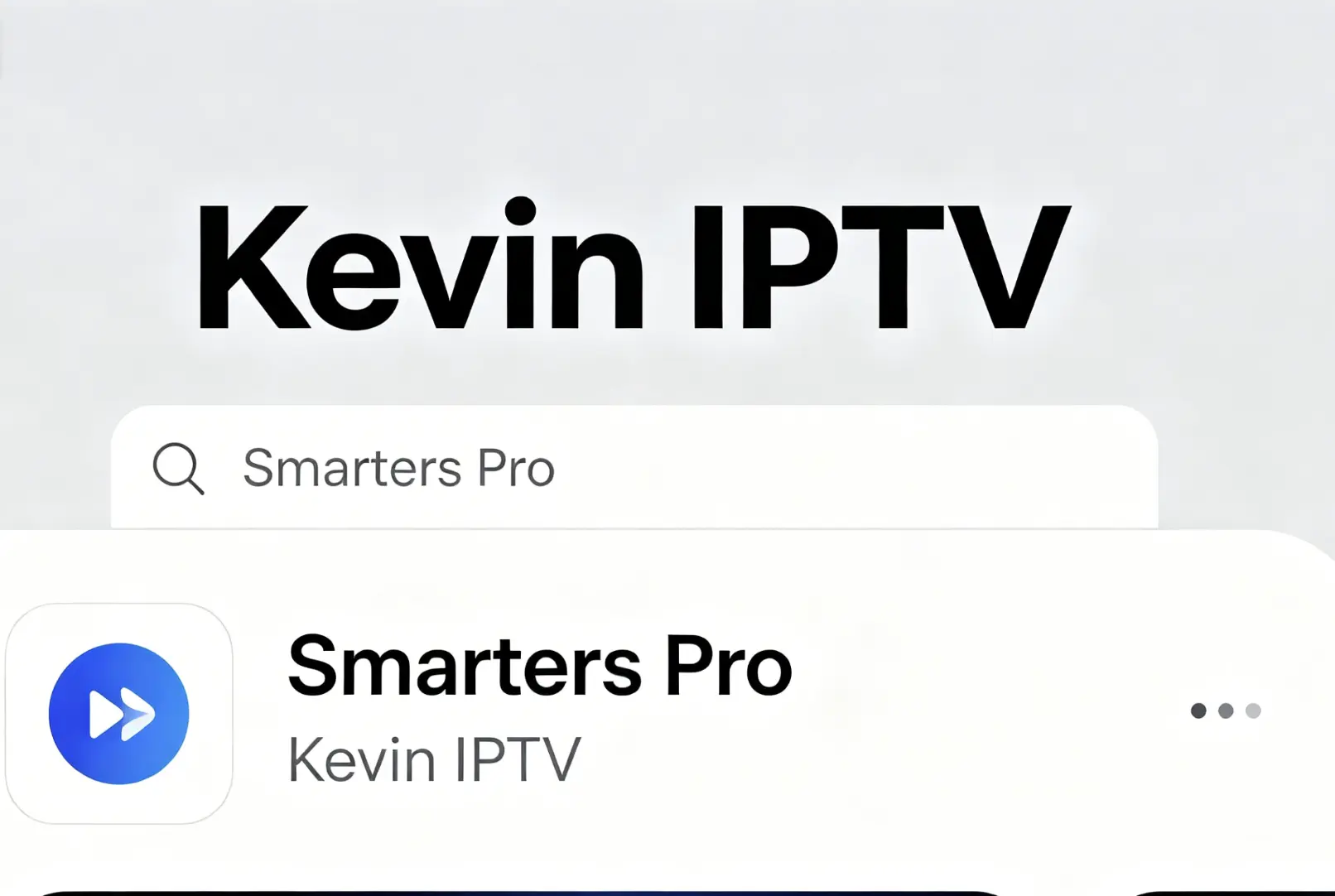
Searching for IPTV Smarters Pro in Amazon Firestick App Store
If you cannot find it in the App Store, use the Downloader app (free) to sideload the APK. Contact us on WhatsApp and we will send you the correct APK link.
Launch the App and Choose Login Method
Open IPTV Smarters Pro. You will see a welcome screen with two options. Tap "Login With Xtream Codes API" for the best experience, or "Add Playlist" if you have an M3U URL.
Xtream Codes API is always recommended over M3U. It gives you a full EPG guide, faster channel switching, and a VOD library.
Enter Your Credentials
Fill in all four fields: Your Name (any nickname), Server URL (copy exactly as provided), Username, and Password. Then tap "Add User".
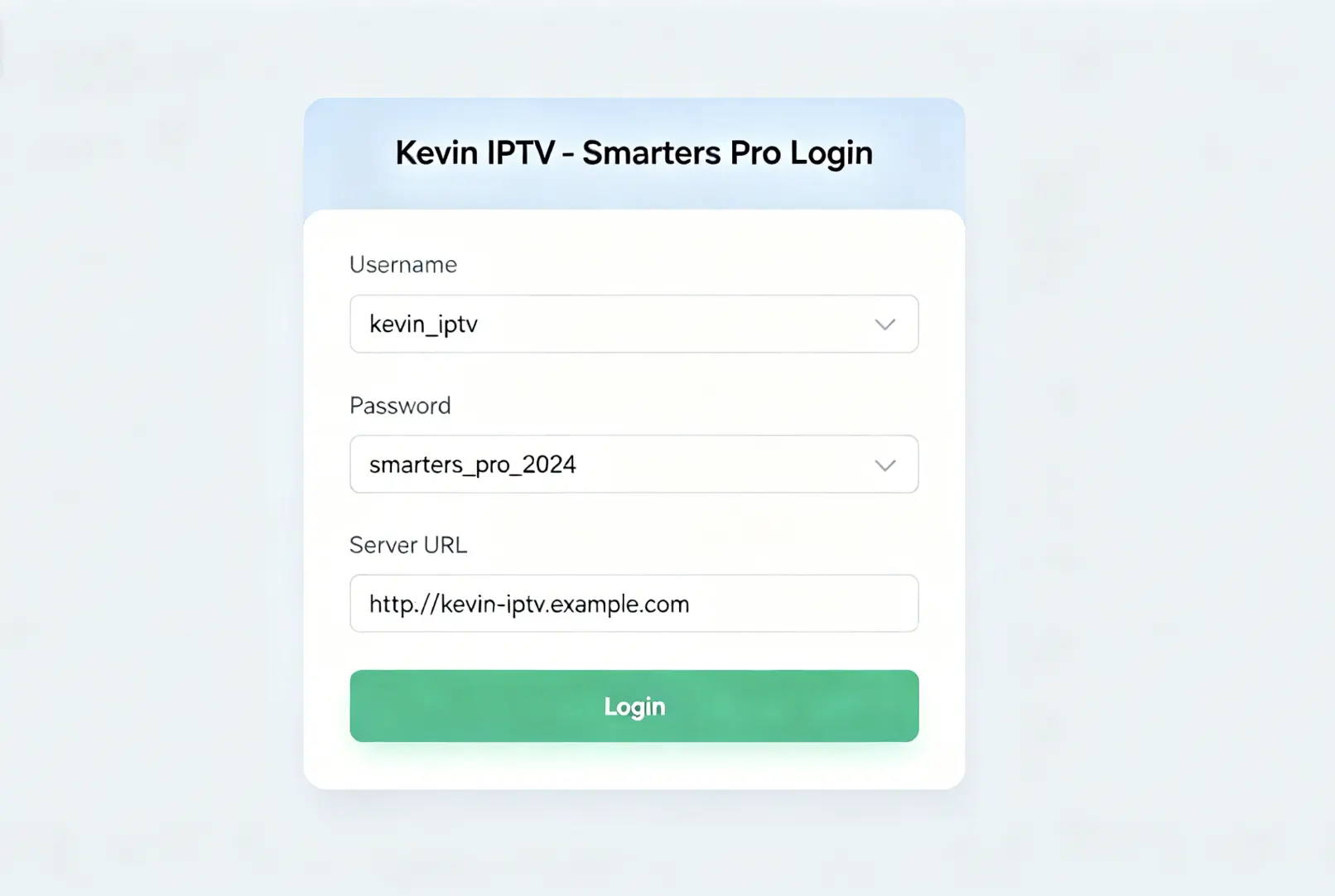
How to enter Xtream Codes API credentials in IPTV Smarters Pro on Firestick
One typo in the Server URL causes "Authorization Failed". Use the copy-paste function — navigate to the URL in your email on a phone, copy it, and use a Bluetooth keyboard or the Firestick remote app to paste.
Wait for the Channel List to Load
After adding your credentials, Smarters Pro will connect to the server and download your complete channel list, EPG data, and VOD library. This typically takes 30 seconds to 3 minutes.
Keep the app open and your Firestick screen active during loading. If it times out, your internet speed may be too slow for the initial download. Try connecting Firestick to Ethernet for the first load.
Navigate to Live TV and Start Watching
You will see the main dashboard. Tap "Live TV" to see all your channel categories. Select a category (e.g., "UK Sports", "Movies HD") and choose any channel to start streaming.
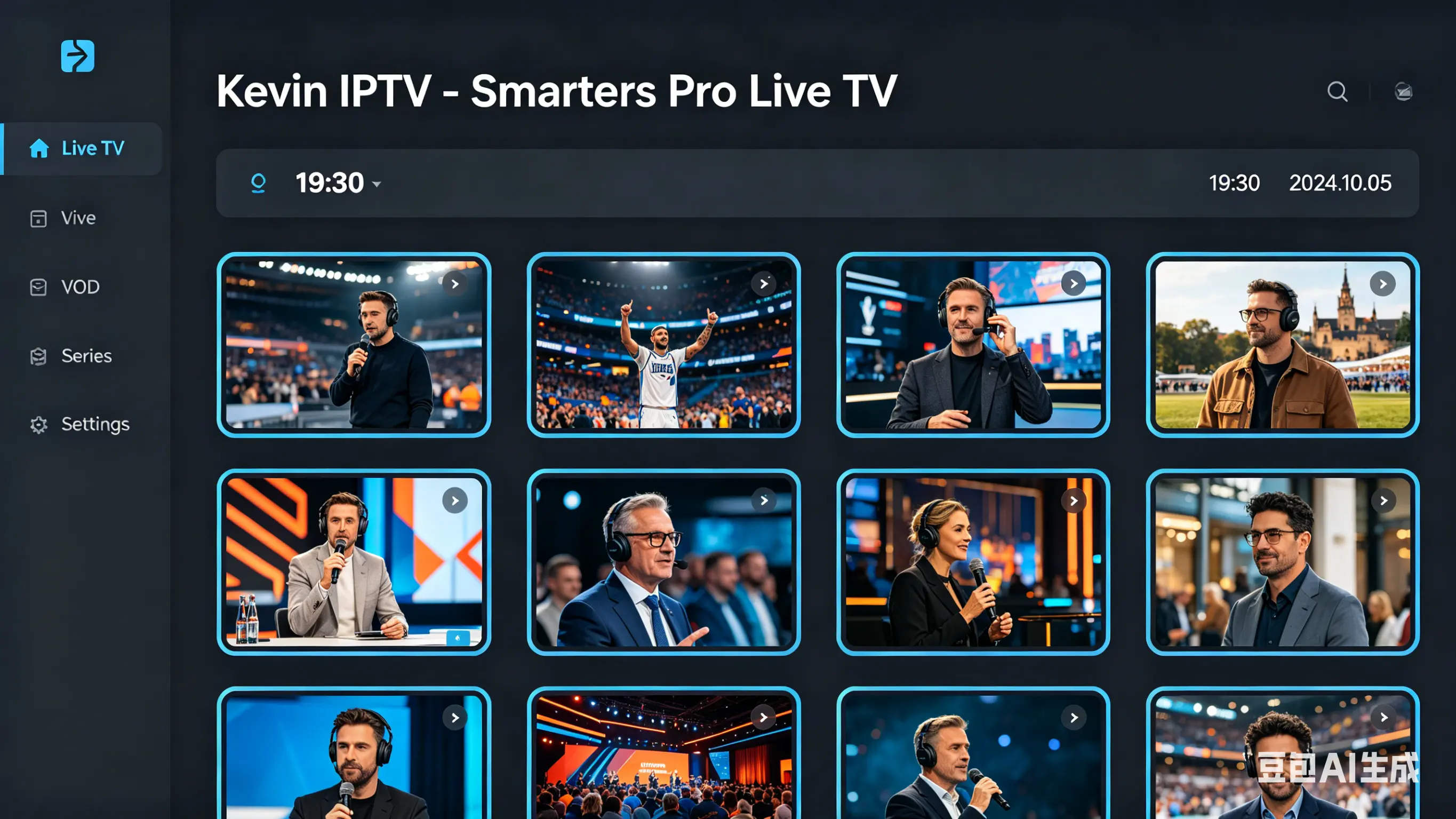
IPTV Smarters Pro Live TV channel dashboard on Amazon Firestick
Common Firestick IPTV Problems
IPTV Smarters Pro crashes on launch
Go to Settings > Applications > Manage Installed Applications > IPTV Smarters Pro > Clear Cache & Clear Data. Then reopen the app.
"Authorization Failed" error
Your credentials are incorrect or expired. Contact your provider. Copy and paste the Server URL rather than typing it manually.
Firestick overheating and freezing
Use the official Amazon Ethernet adapter or a powered USB hub. Overheating causes frame drops that look like buffering but are actually hardware throttling.
Remote not working in the app
Go to Settings > Accessibility > Switch Access and ensure it is disabled. Some accessibility settings interfere with IPTV app navigation.
Don't Have Credentials Yet?
Get your Xtream Codes API credentials from us. Plans start at $20 for 3 months, or try 24 hours free.